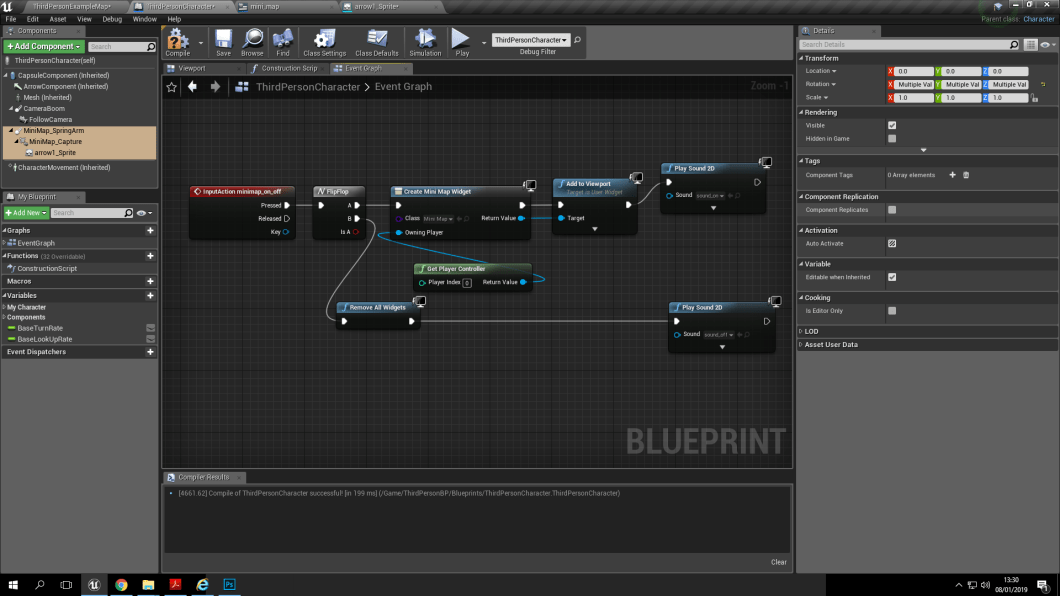
So to make the blue print i had to go into project settings and select input- action settings to create my mini map. the blue print is just commanding the “M” letter to switch the mini map on and off and also to play a sound, which are at different tone so you know when you have turned the map on and off.
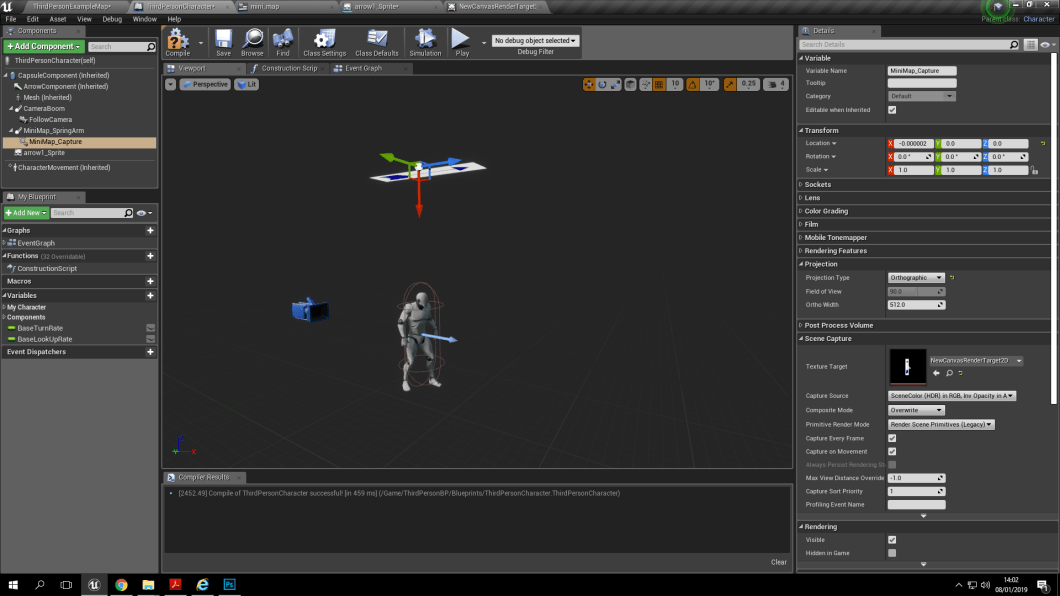
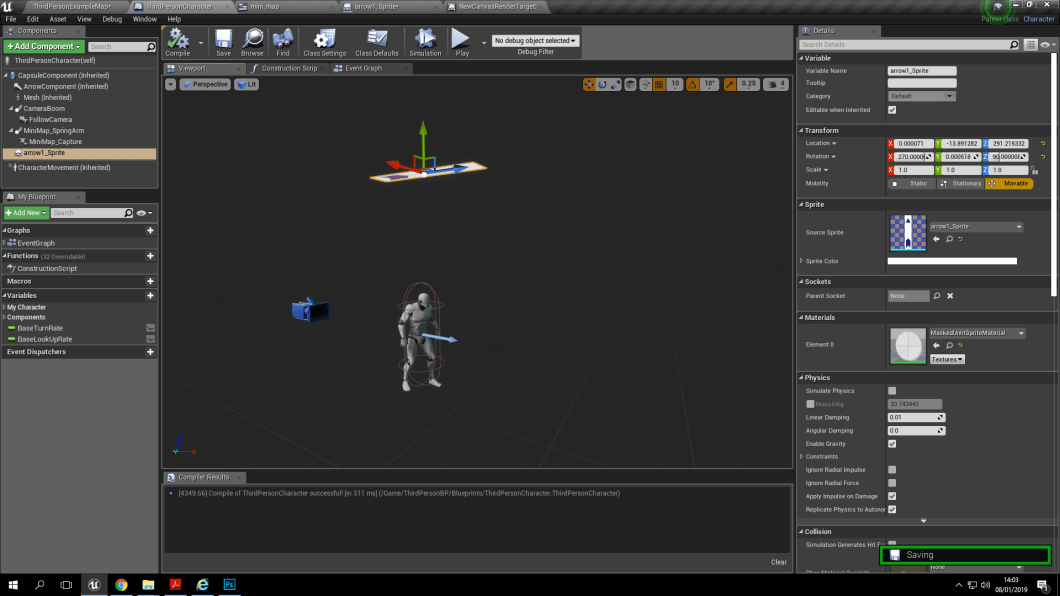
This is the view port to show that the arrow and the scene capture are a signed to the character to get an over-head view of the plain and see which direct the character is travelling. The scene capture acts like a second camera as well but, only for the mini map.
 Nav's Game Design