I was told by a fellow class mate that I can use the software “After Effects” to create quick and simple animation and as a result I have produced this two videos. The first one is of the leaves in the Shambhala main land and the second video is the second opening scene of Shambhala and the bridge that would lead to the palace, as in the first video.
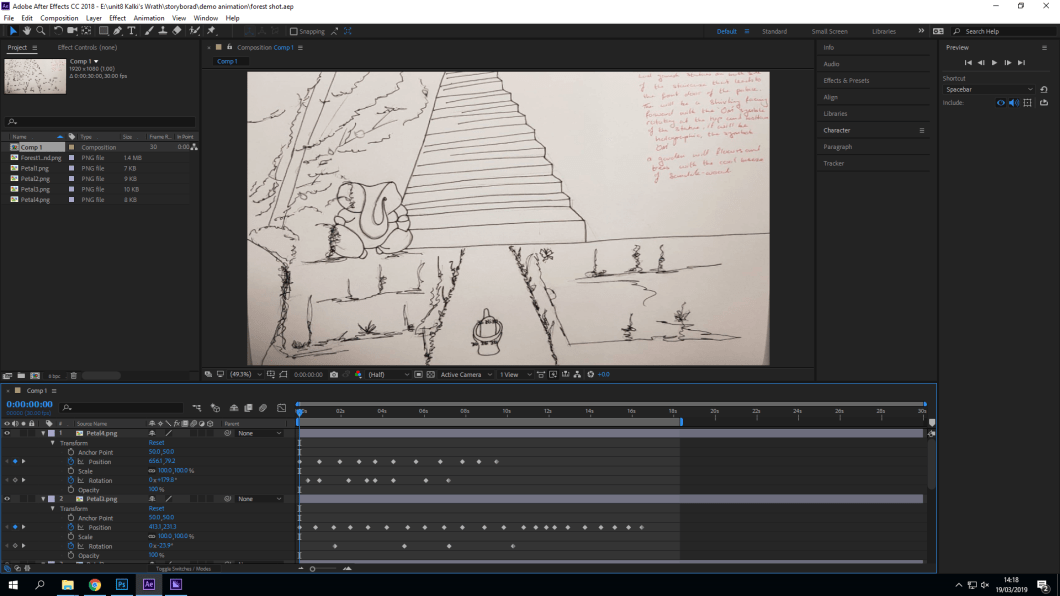
To move the leaves each leaf was saved as a individual file, which was created on Photoshop and then imported into “After Effects”. Then I used the position and rotation tool to move the leaves every 2 seconds or less, to imitate that the leaves are gliding through the wind. I think this has worked really well and I can show my teacher exactly of what I would want to create on Ue4.
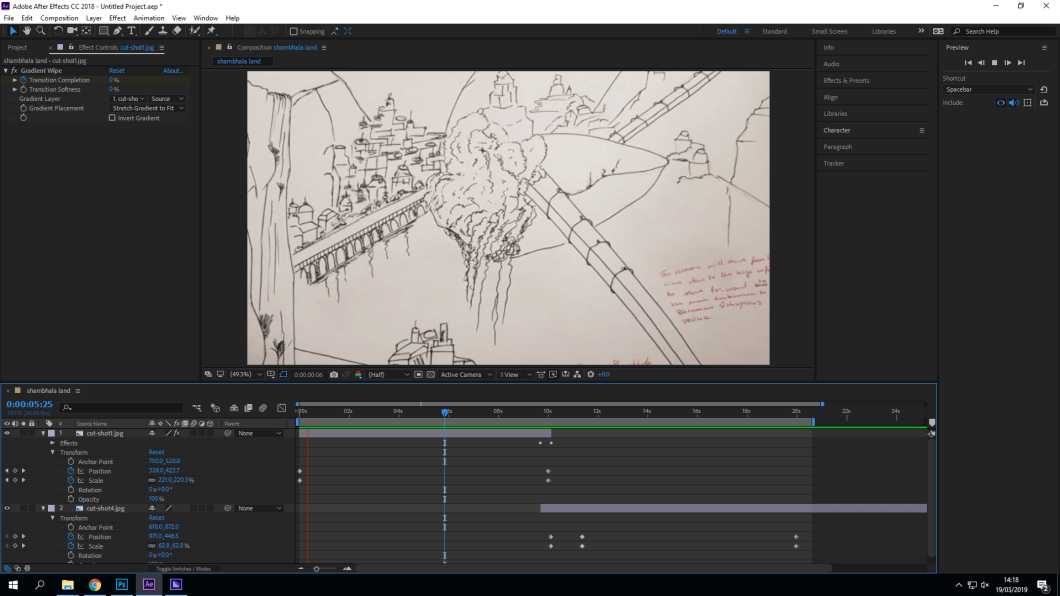
To make the second video I used the camera tool to zoom into the image and then a transition tool to get to the next scene to show that the camera is moving through the bridge to get to the main gates of the palace.
 Nav's Game Design