I used “After Effects” the software to animate my work. Each layer was placed in the software as individual files so, I could animate each layer using the time line.
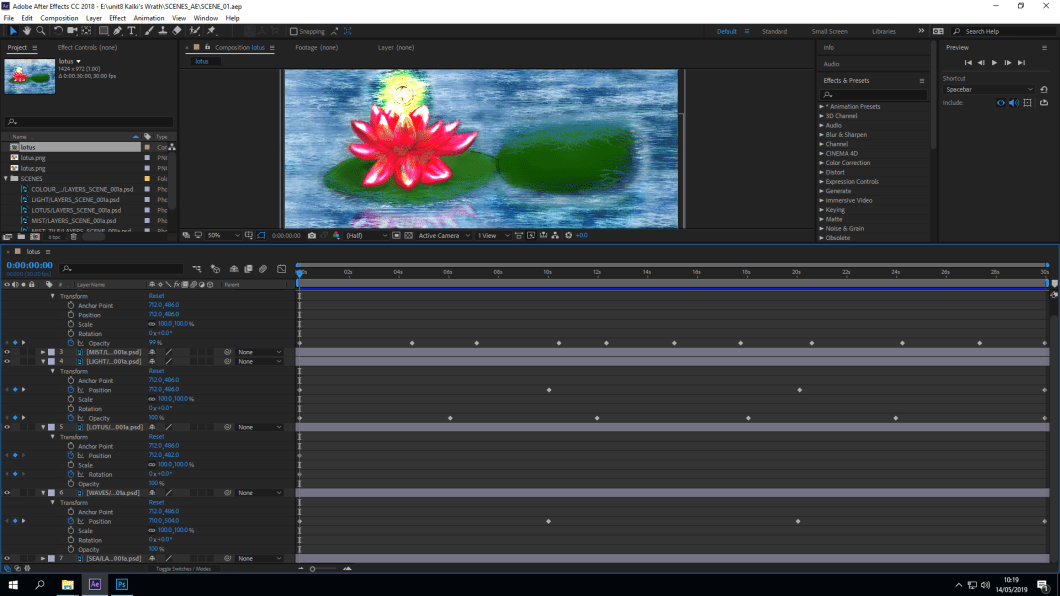
In this image for scene one, I am animating the direction of the flower, moving it in a circular form by using the position time clock and then setting the position every 5 seconds to total up to 30 seconds and used the opacity clock to make the orb glow every 10 seconds to sum up to 30. The mist was animated by using the opacity timer and key framed it at random so, the fading of the mist was not predictable. The shadow of the lotus has been key framed every 10 seconds using the position clock to show that the reflection is also moving.
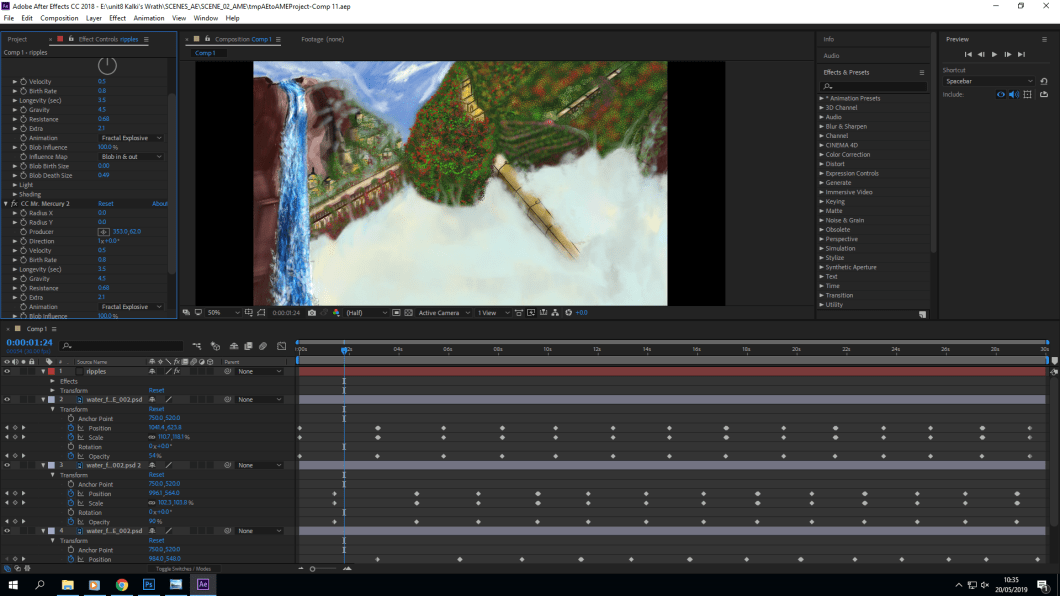
Now the waterfall was a bit of a difficult task because I had to figure out how to make a still image move and make it look like that it is moving from top to bottom. What I did with my class mates help Sam, we enlarged one layer of the waterfall, in length and used the position clock to make it look like that its moving from top to bottom and then repeated the key frame every five second but to we realized that when the key frame was jumping from one to the other the image would become still so we copied that one layer 2 more times to give it a smoother finish and a seamless transition.
I have also used an animation set up for the waterfall to indicate to show water flowing through the waterfall. Very effective and “kind of” makes the animation more believable. I know it is a cheat, but this has taught me that i should have done a separate layer of white lines flowing through the blue of the water to show that the water is moving. Something I will use and keep in mind for up coming projects.
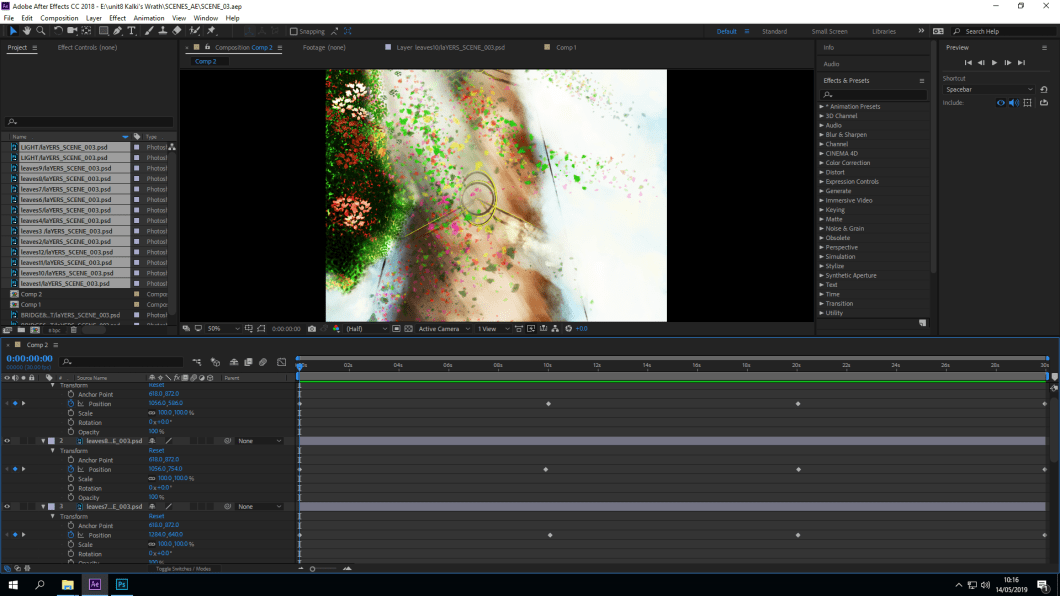
In this scene I have animated each leave/ flowers every 10 seconds and it works, but I am not pleased with the animation because it looks really disjointed and does not look like a shower of the flowers. I really wanted the actual images of the flowers that I had originally designed to move. I will explain more when I upload videos of all 4 scenes.
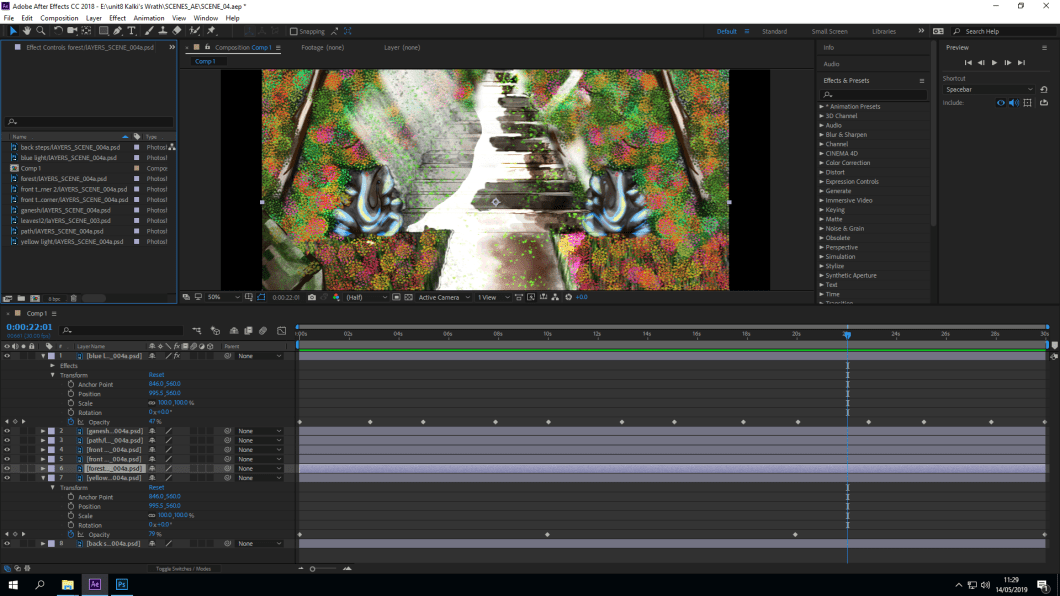
This was very easy I used used opacity clock to animate the blue hue to glow every 3 seconds, up to 30 seconds. What I would do differently in the future is to make the statue completely on a separate layer so I could animate it to make it look like that it is hovering up and down.
 Nav's Game Design