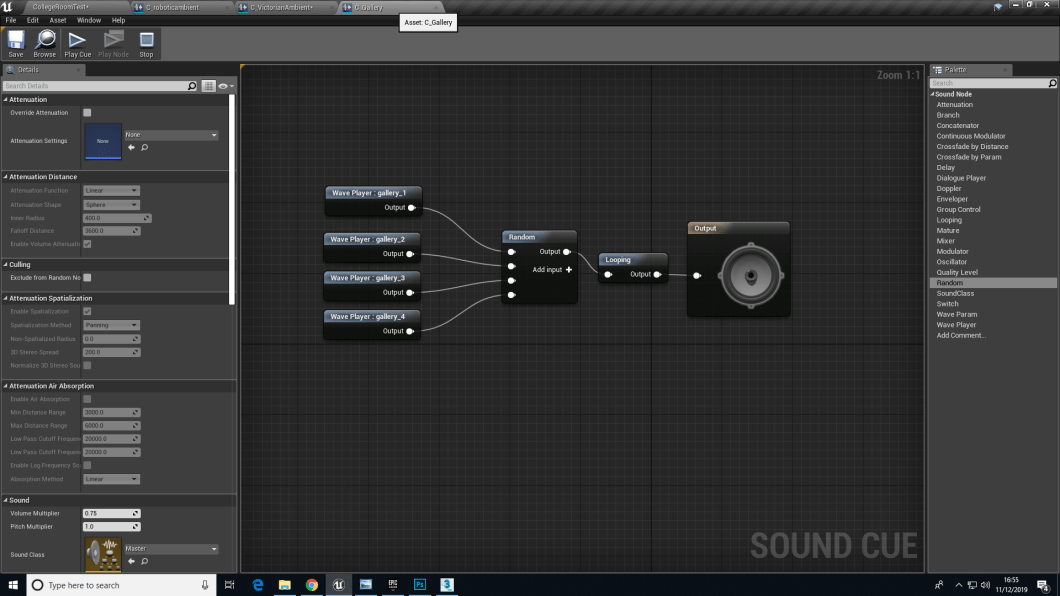
After editing the sounds on Audition the small clips of sounds where transferred on to Ue4 where I made the sound cue’s for each of the gallery room. It was a simple straight forward process, where each sound cue that was made had a random and a looping node which would tell Ue4 to play each track randomly and keep it on a loop so there is no cut of point and the player doesn’t think that the game feels empty or something is missing
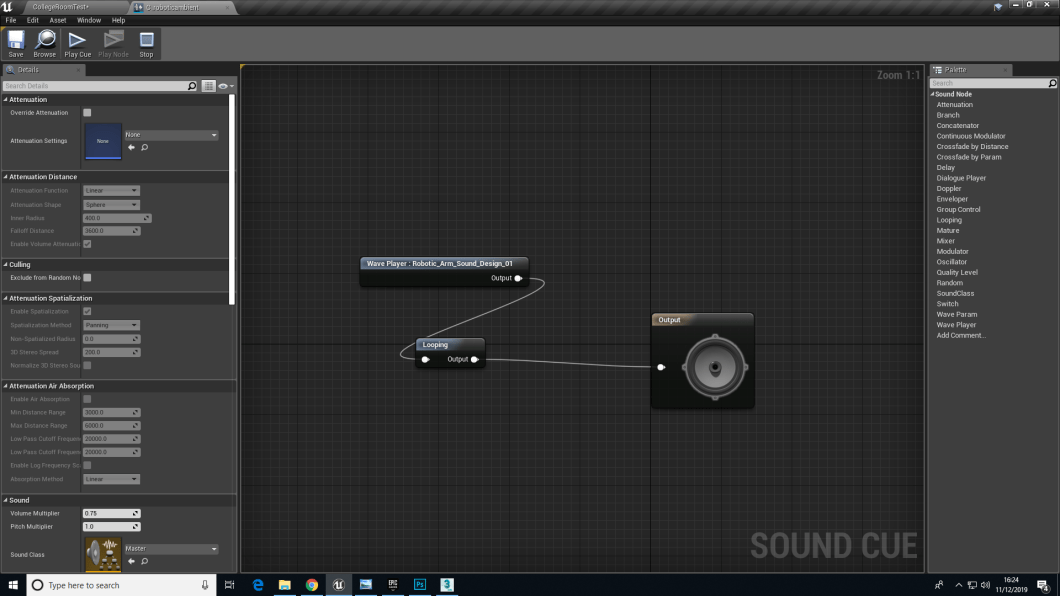
The robotic track was only 30 second and there was only one sound piece, so there wasn’t a lot to do to create a sound cue, except putting it on a loop.
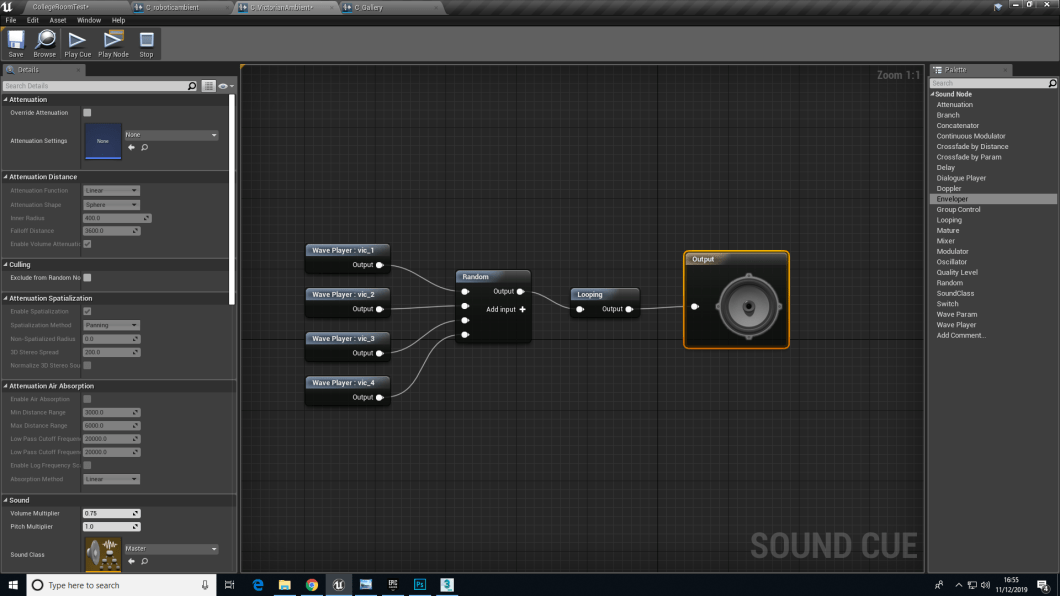
Both Luddite and the Contemporary gallery have a random node and a loop node to tel Ue4 to randomly select the sound tracks and play it on a loop, with no time frame.
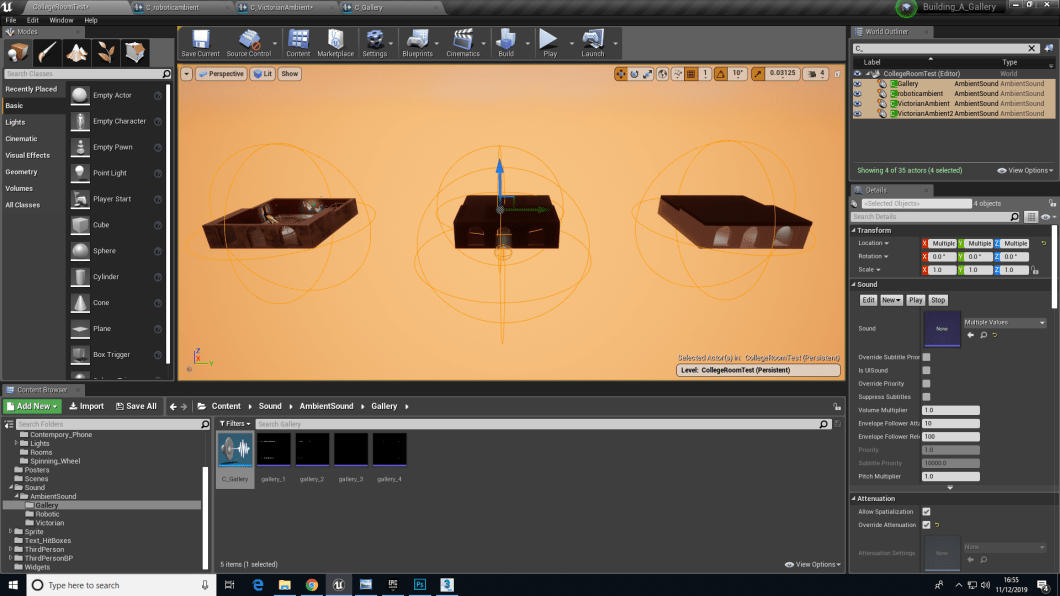
This image is the over view of the sound cues and its radius, that Sam helped me with. What this image is showing is that the yellow circular lines you see for each gallery is the radius of each sound cues that have been placed inside the gallery and when you step out of that radius you no longer hear that sound cue, so when the player is moving from one room to another they would only hear the sound that is allocated for that room only and not hear the other sounds from any other rooms.
 Nav's Game Design