To turn my art work into animation i had to import all my work into Photoshop and edit them into several layers so it would be easy to animate them in After-effects.
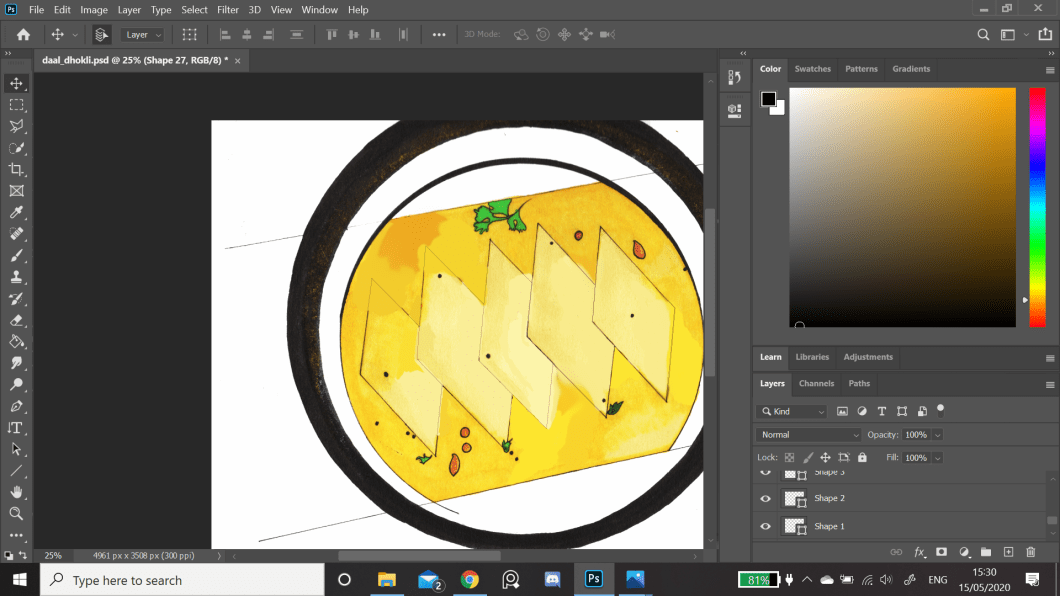
firstly i had to get ride of all the oil spill which was in the drawing so I had a back layer. This back layer would then help me to put all the other layers into place.
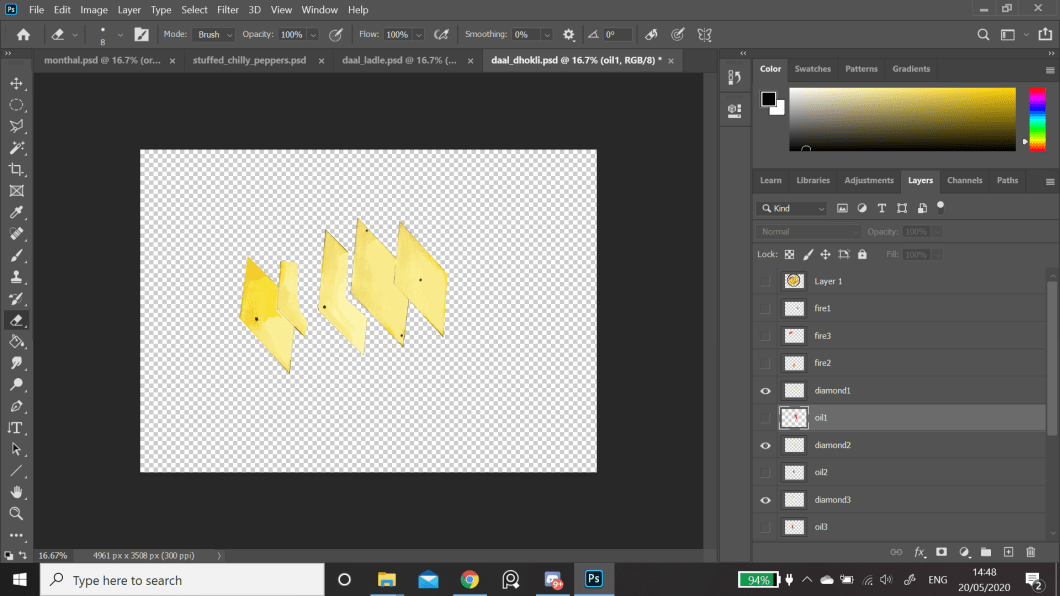
then I i broke down the image into the first layer which is the diamond shapes. Even though these shapes will not be animated it will help the oil spill to look like that it is moving between the diamond shapes, so for that reason I had to separate the shapes into a layer.
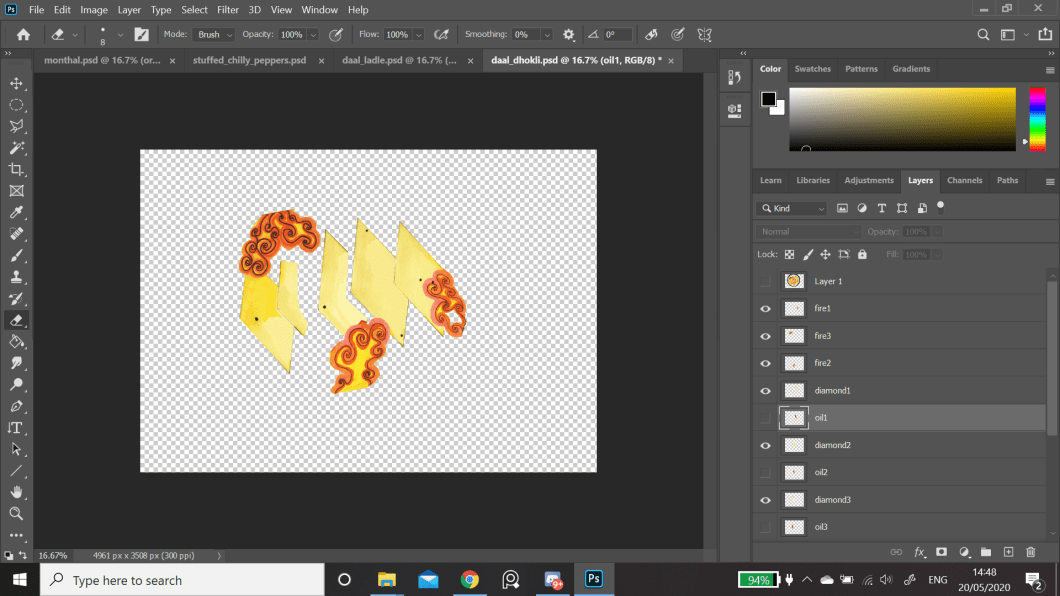
This is the first oil spill being separated, which will be animated around the circle, but on the inside.
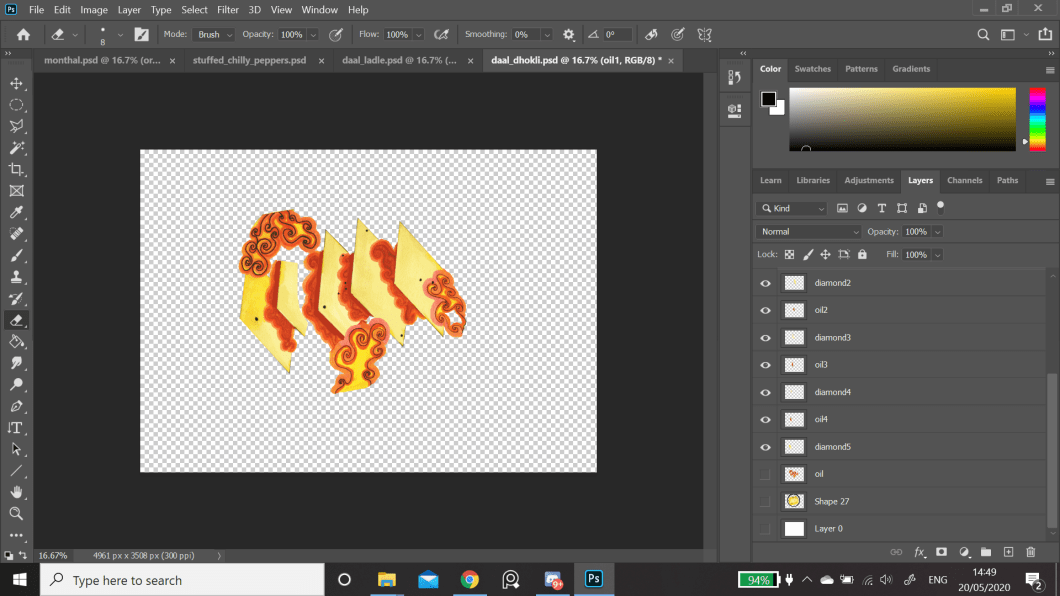
The nest oil spill is in-between the diamond shapes which will move up and down. This is the reason to separate the diamonds into another layer so that the oil spill which is in-between the diamond shapes can move.
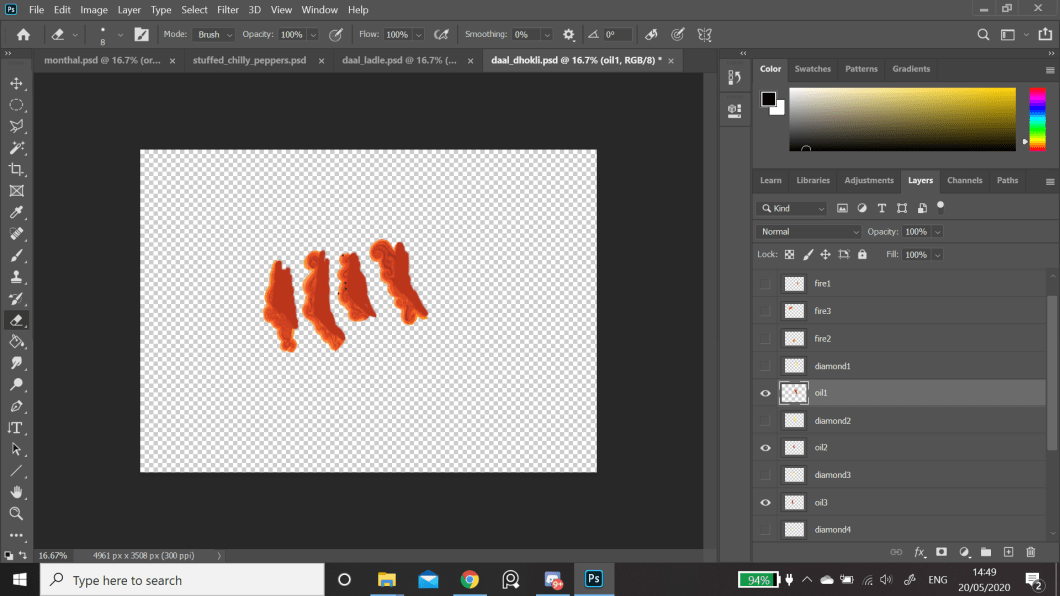
To make the oil spill move without not showing the background colour, (yellow) I had to extend the colour a bit so this oil spill shape can sit snugly behind the diamond shapes, and when it gets animated you cannot see the background colour.
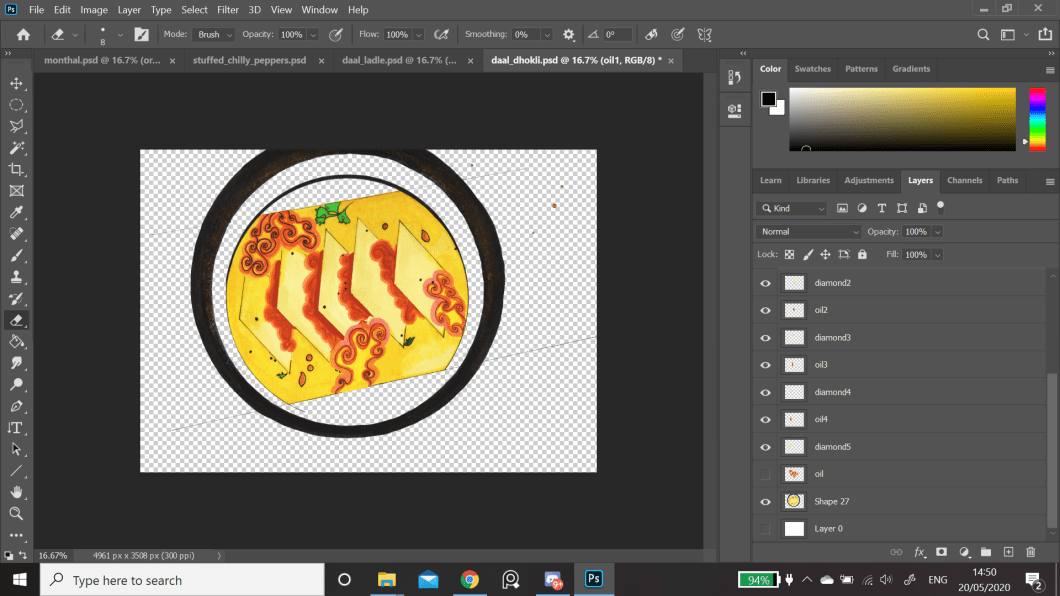
Once all the image was separated into layers I pieced them again to make a whole image, ready to be animated in after-effects.
 Nav's Game Design