So, I used a skill that I learned from my previous small project that we did during the year, creating sound cues and Foley sounds. Admittedly I have not used used any Foley sounds, but I have used the sound cue method to manipulate and change the sound that I got from “typatone.”
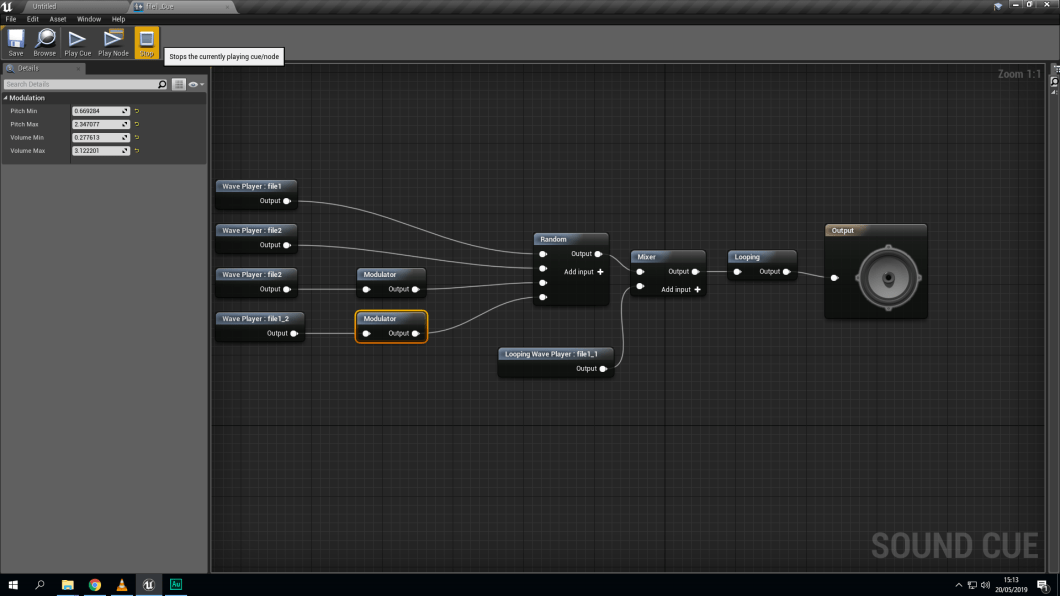
It’s a simple process where I import the sounds into Ue4 and then you make a sound cue blueprint, where the program gives you the availability to change the speed, pitch and the tone of the sound that has been captured. And then you can set it to random by using the random node, so the machine would randomly generate the sound and would also mix the sound up as well by using the mixer node. Final adding a loop node which would loop the sound and it will constantly generate different sound without stopping.
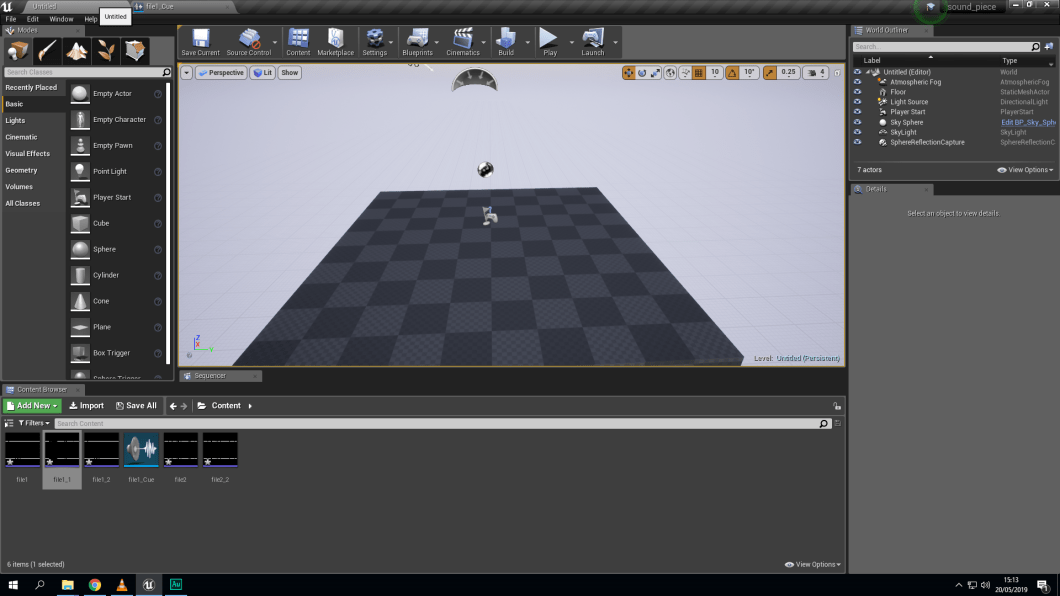
After you have done all that fun bit where you can mess around with the tone/ sound and have got your desired rhythm you then place the sound cue withing the the world where I will be showing my movie.
 Nav's Game Design